Enable category management for locked items (organization admins)
As an organization admin, you must enable the category management feature before users can manage categories on system-locked and user-locked items.
Important considerations
This option is disabled by default.
When enabled, users with read/write permissions can manage categories on locked items.
When you enable or disable this option, a message appears in the Admin Activity stream.
To enable category management for locked items:
From the Jama Connect header, select ADMIN > Organization > Categories.
Select Allow category management for locked items.
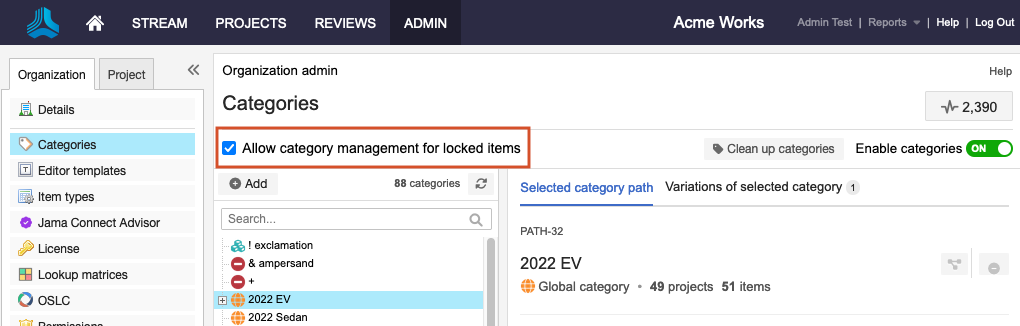
The ability to manage locked items is now available to users.