REST API and extensibility
The REST API allows your team to integrate and extend the capabilities of Jama Connect.
Important
Access to the REST API is limited to users with a Named Creator Jama Connect license, which includes endpoints within v1, labs, and SCIM. Users without a Named Creator Jama Connect license, including those with a Creator Float license, do not have access.
Typical use cases include:
Integrating test results from automated test scripts
Extracting specific data for analysis in Business Intelligence tools
Automating manual batch tasks
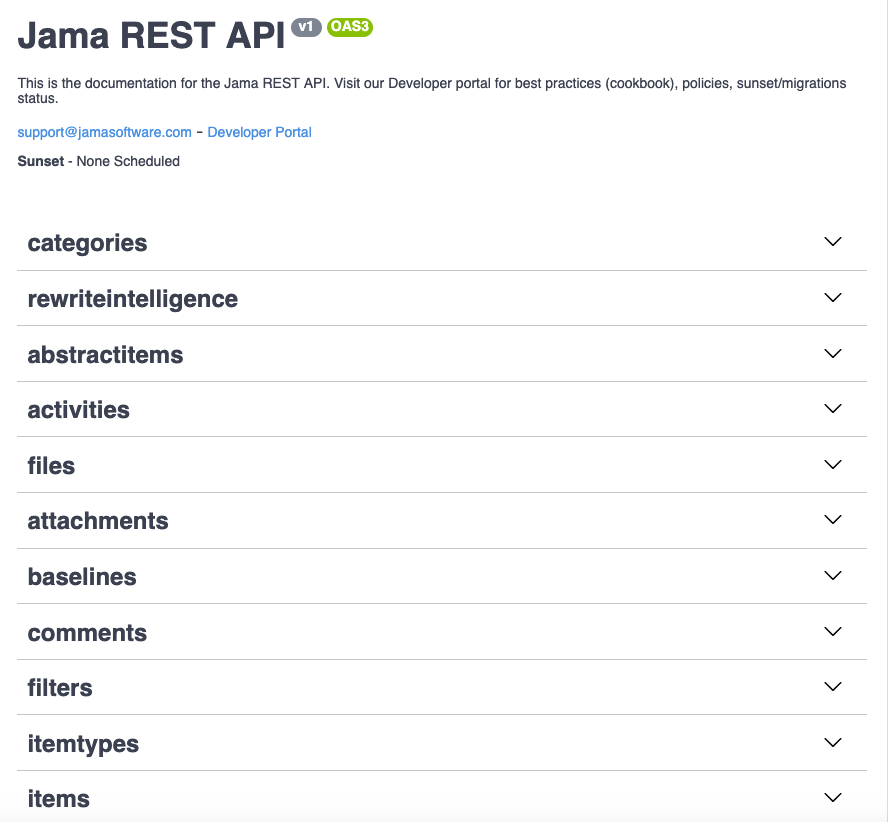
You can see the REST API Swagger documentation at <your Jama URL>/api-docs/.
Interested in learning how to work with the Jama Connect REST API? The following resources can help you get started.
API Cookbook provides recipes for users and partners creating integrations using the Jama Connect REST API: https://dev.jamasoftware.com/cookbook/
Jama Connect REST API documentation provides information about the specifics of our API: https://rest.jamasoftware.com/
REST API terms
ID | Description |
|---|---|
Project ID | Project IDs are unique to Jama Connect. Your administrator sets the default project and set keys. Example: <project key> - <set key> # <SBX-REQ-1 or SBX-TEST-3> |
Global ID | Global IDs reference where a requirement or test was reused globally across Jama Connect projects. The Global ID isn’t unique because several copies of an item might be connected that share the same Global ID. Example: GID-1234 |
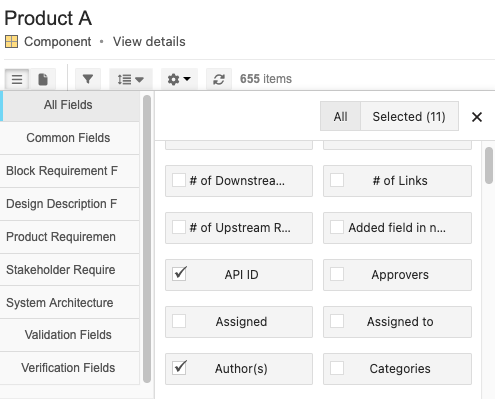
API ID | API IDs are the database identifier for an item and is used by developers when interacting with Jama Connect from the REST API. In List View, you can locate the API ID as a column or in the browser URL for the item you’re viewing. Example: 21374 |
Where to find the API ID
Find Project API ID in the URL:

Find Filter API ID, navigate to the filter in Jama Connect, and look at the URL:

Find Item API IDs:

Find API IDs in List View: