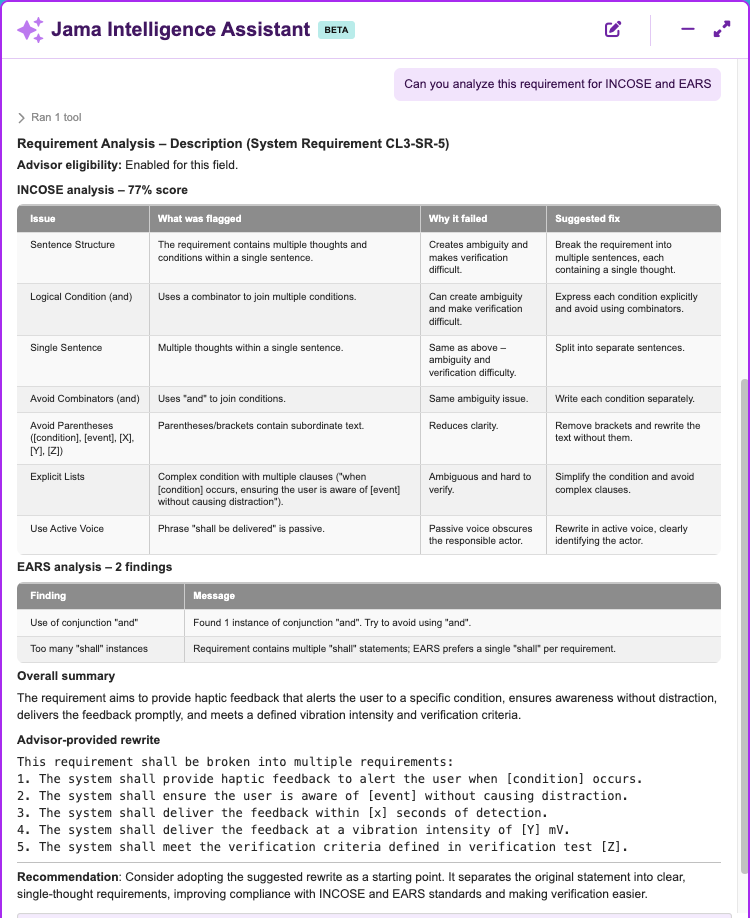
Tips for using the Jama Intelligence Assistant (Beta)
Learn how to customize the Assistant, reuse prompts, edit proposed table changes, and manage chat context.
Use these tips to work more efficiently with the Assistant:
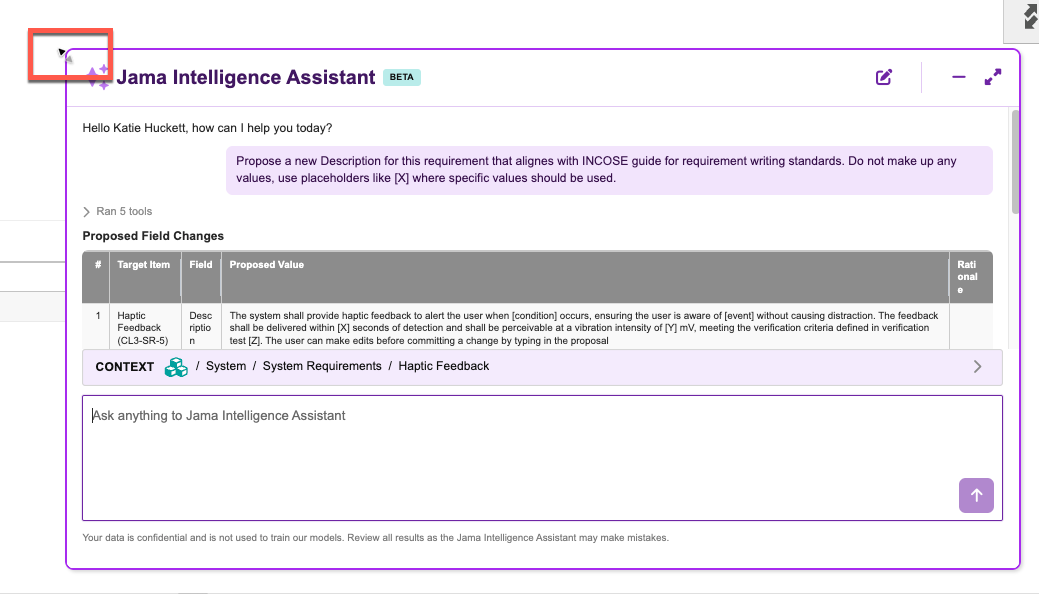
When the Assistant is collapsed, select and drag the button to move it.

When the Assistant window is open, hover over an edge and drag it to resize the window.
Press the Up Arrow key to paste your last prompt.
When the Assistant proposes a change and information is in a table, you can make plain-text edits directly in the chat.

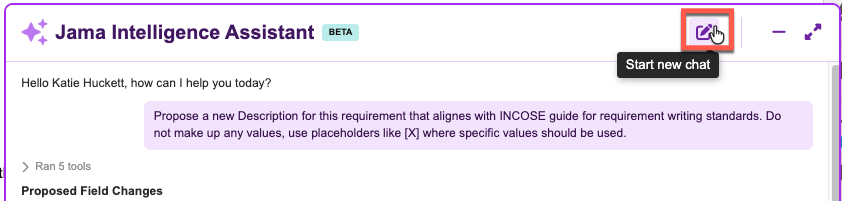
When switching tasks, start a new chat to clear the context history.
Use the Assistant to analyze requirements against INCOSE and EARS.