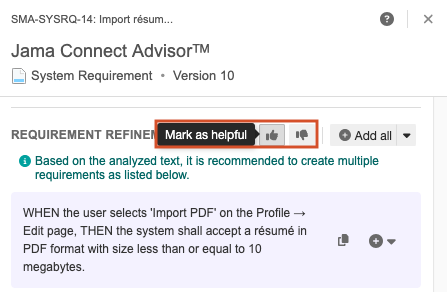
Rewrite a requirements statement
When Jama Connect Advisor is enabled and configured by an organization admin, you can use it to analyze the quality of the text of a requirement text against industry-standard rules. After the analysis is done, you can also have Jama Connect Advisor rewrite your statement for you.
Any requirements statement rewritten by Jama Connect Advisor includes an analysis of INCOSE and EARS scores and an explanation. Especially complex sentences can be broken down into multiple sentences to make sure that a sentence includes only one testable requirement.
Note
If the analysis of the requirements statement is 100%, the Refine button is disabled because no changes are recommended.
To rewrite a requirements statement:
From the Jama Connect header, select PROJECTS > Project, then select the component or folder with the requirement you want to rewrite.
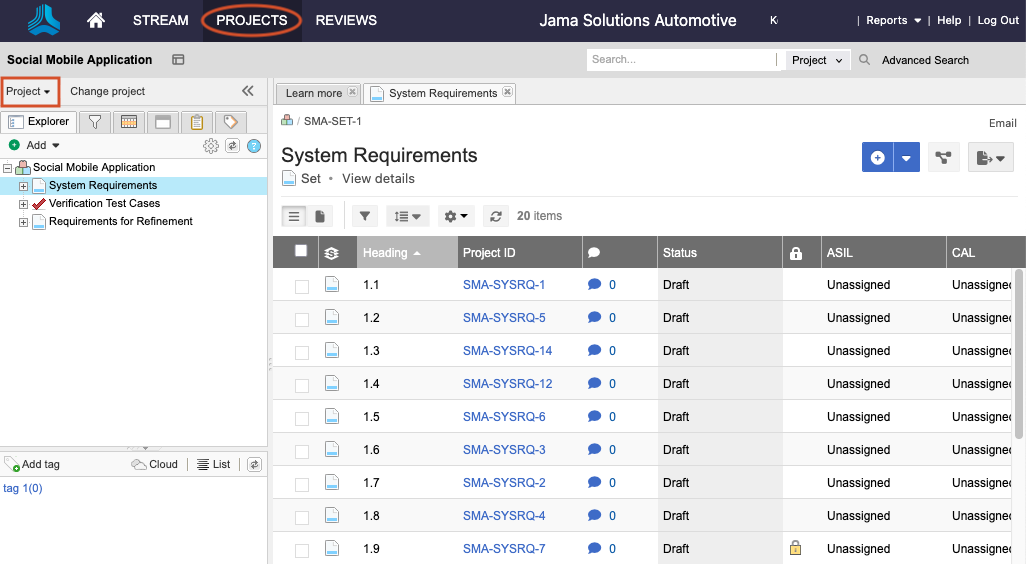
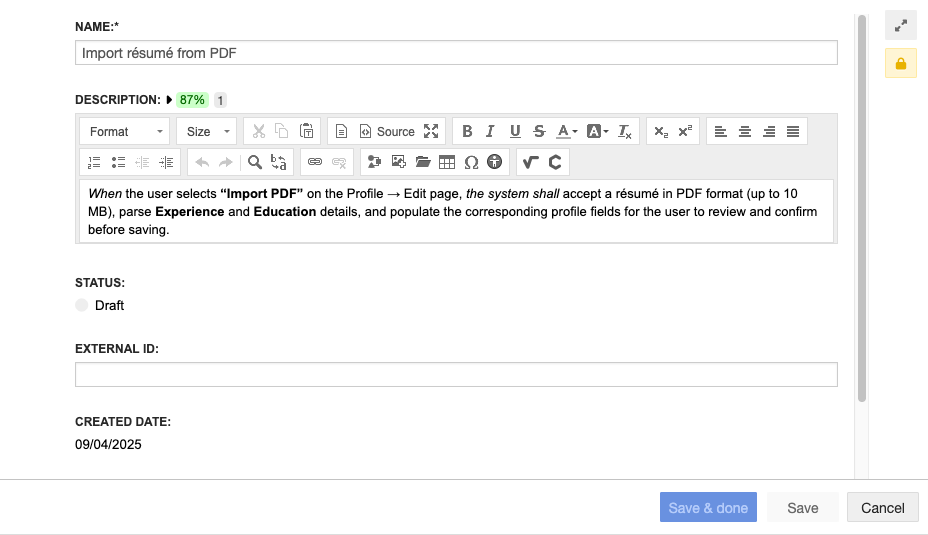
In Document View, select the item you want to rewrite to open quick edit mode, with the option to expand to full edit mode.
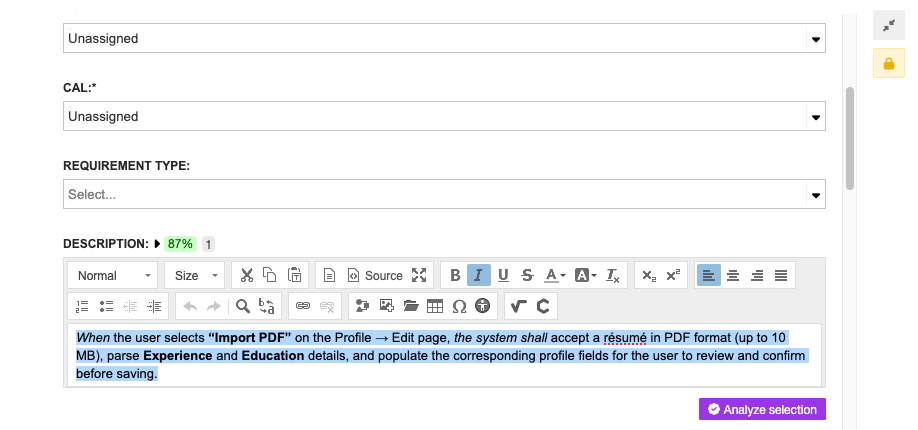
Highlight the text (up to 400 characters), then select Analyze selection.
The initial assessment includes a quality rating and a quick analysis summary.

Select View details, then select Refine.
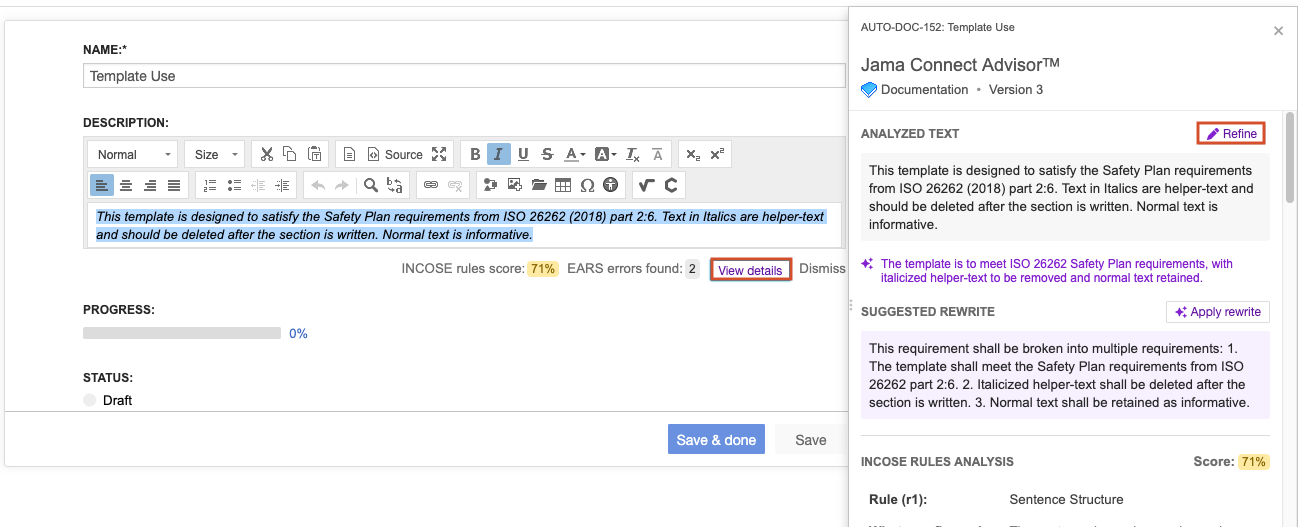
The results are displayed in the panel. The results include INCOSE/EARS scores and analysis for new statements, along with a brief explanation of the rewrite.
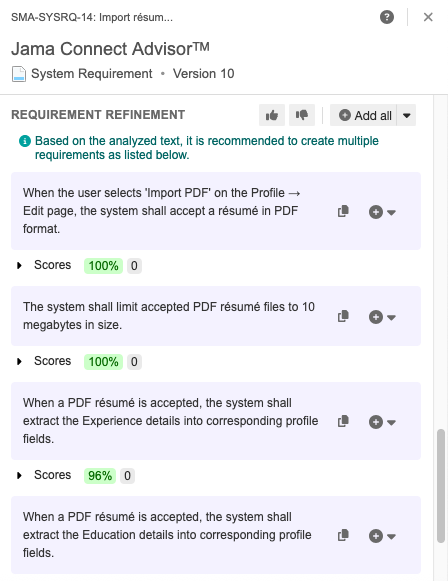
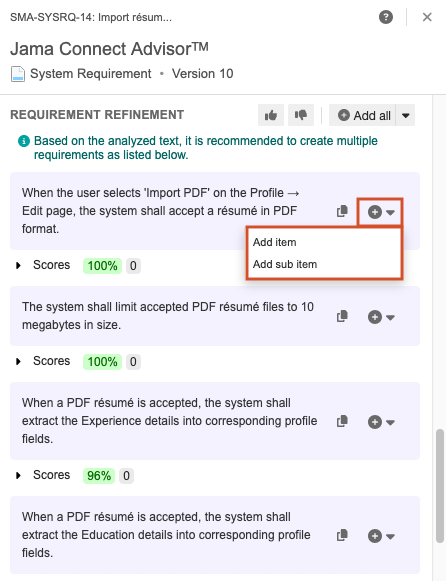
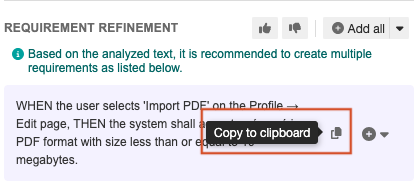
(Optional) Add each Requirement Refinement statement as an item in the same set, as a sub item, or copy to clipboard for manual editing.
Each item added or refined by Jama Connect Advisor has a corresponding item version comment.
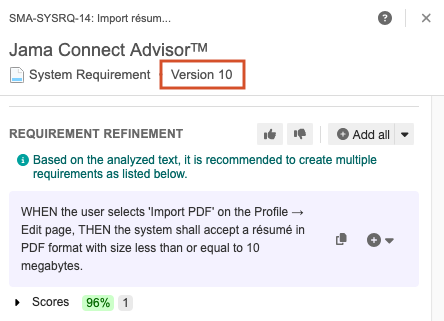
(Optional) Select Mark as helpful or Mark as unhelpful (like/dislike icon) to agree or disagree with recommendations or provide feedback.